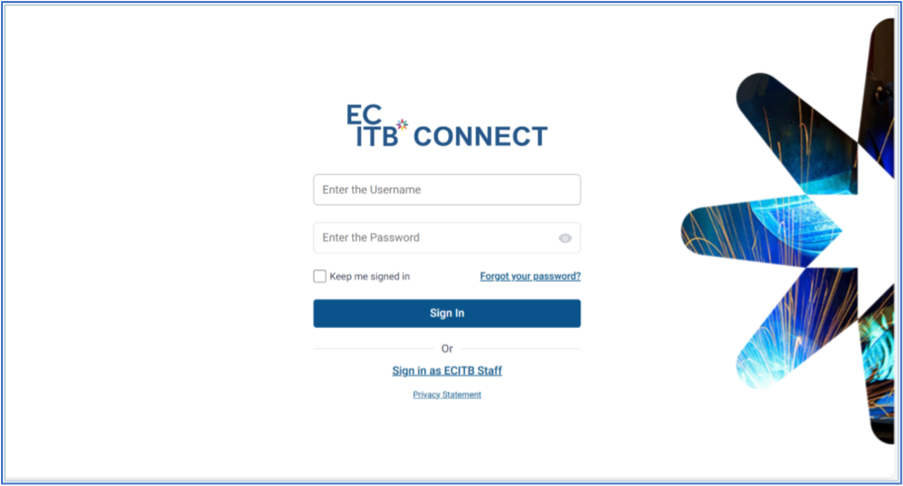
ECITB Connect log in page
- Click here to get to the ECITB Connect sign in page. We suggest you add this link to your favourite's
- Watch our video accessing the ECITB Connect Portal
Who do I speak to if I have any issues or questions?
- Speak to your relationship manager in the first instance.
- If you have not received a log in for Connect Grant or have lost your log in, forgotten your username or password read the section below
- If you have issues with Connect Grant and its function, please ‘submit a ticket here Support : ECITB Support and select either of the ‘submit a ticket’ options on the home page following the instructions. You can also watch this video submitting a ticket
- For other general queries please email emma.o’neill@ecitb.org.uk and cat.waddon@ecitb.org.uk
Log In details for ECITB Connect Grant
- If you use Connect Levy, you will not receive log in details for Connect Grant
- You can log in with your Connect Levy log in; you will see the Connect Grant menu on the left-hand side bar where you see the Connect Levy menu
- New log in’s - email details
- You will receive 2 emails from ecitb-system-notification@ecitb.org.uk
- If you cannot see the email in your inbox, check your junk mail
- The first will notify you of your username the second will ask you to reset your password
- Make sure you action the password reset email only when you are ready use the system as the reset is only valid for 30mins.
- If you have any issues, email support@ecitb.org.uk
If you have forgotten your username
- Email support@ecitb.org.uk
If you have forgotten your password
- Click here to get to the ECITB Connect sign in page
- Click the forgotten password link on the sign in page
- You will be sent a password reset email containing instructions on how to reset the password
- Make sure you action the password reset email only when you are ready use the system as the reset is only valid for 30mins
- You can also watch this video resetting your password
Was this article helpful?
That’s Great!
Thank you for your feedback
Sorry! We couldn't be helpful
Thank you for your feedback
Feedback sent
We appreciate your effort and will try to fix the article